Introduction
Picture a sales rep who just finished a call. Now she types notes into a CRM. That takes four minutes. Then she checks a helpdesk tab for open tickets. Then she checks a calendar app for the next open slot. Now multiply those four minutes by every call a team takes in a day. The wasted time adds up to real money fast. The right UCaaS integrations remove that friction. The wrong ones just move the busywork somewhere else.
Why UCaaS Integrations Matter More Than the Features List
Most buyers compare UCaaS platforms by counting features. How many lines? How many extensions? Does it have video calls? That approach misses the point. Real time savings come from how well a platform links to the tools a team already uses. They don't come from any single stand-alone feature.
Poor UCaaS setups create what people call "swivel chair" work. A staff member has to copy data from one screen to another by hand. The systems just don't talk to each other. Good UCaaS integrations end that copying for good. They sync call data, tickets, and calendar events in the background. No one has to lift a finger.
Three links deserve top priority: a CRM, a helpdesk, and a calendar tool. These are the tools most teams use dozens of times a day. Get these three UCaaS integrations right. You will capture most of the time savings a business will ever see from a new platform.
CRM Integration: Turning Every Call Into Logged Data
A solid CRM integration logs the call. It logs the duration too. It often adds a recording or transcript. All of that lands on the right contact record the moment a call ends. That one change removes the biggest time drain in after-call work for many sales teams. Without it, reps spend several minutes per call typing notes by hand.
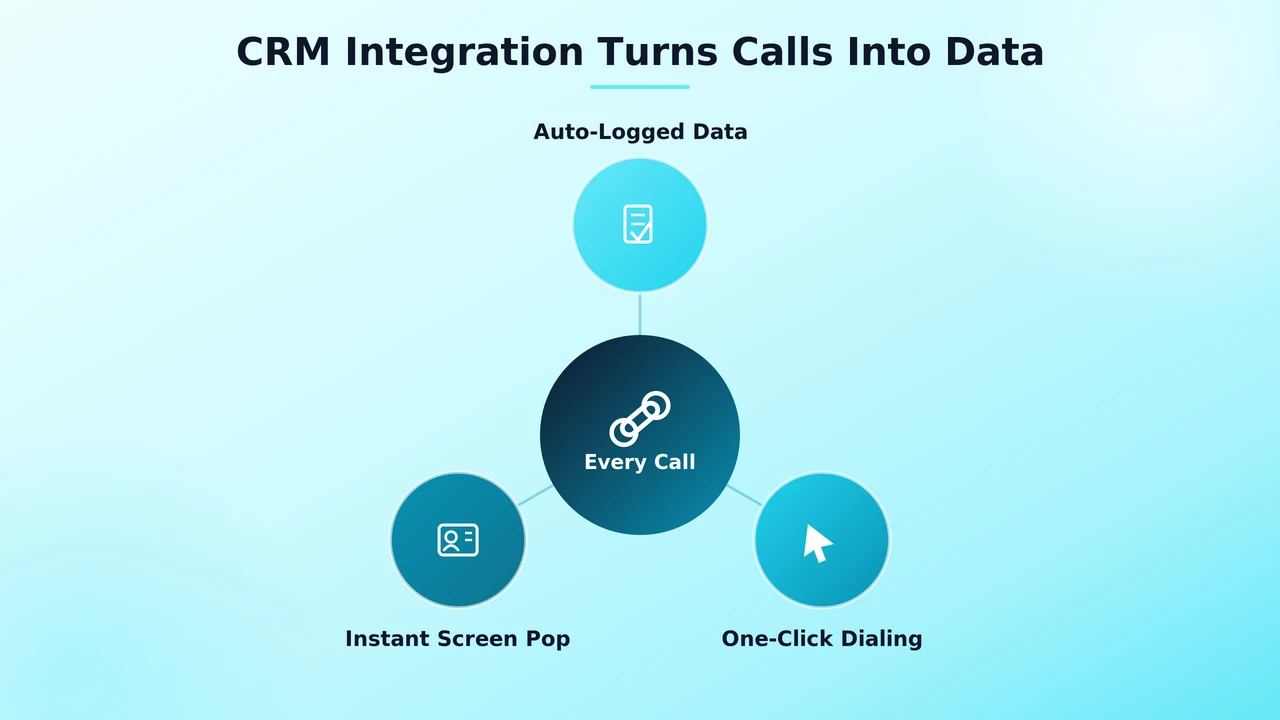
The best CRM setups do more than log calls. They also pull contact data into the call screen itself. A rep sees deal history the instant a call comes in. No more scrambling to look someone up mid-call. Rozper's HubSpot integration page shows the kind of native, two-way sync to expect from a UCaaS platform. Cutting admin time takes more than a brand name on a features page.
Click-to-dial is another detail worth a check. Can a rep start a call right from a CRM contact record? Or must they type the number by hand? One click removes dozens of small hiccups across a busy day.
Helpdesk Integration: Fewer Tabs, Faster Resolutions
Support teams lose time in a different way than sales teams do. They don't type notes after each call. Instead, they switch tabs. Agents jump between the phone system and a separate helpdesk tool. They check ticket history before, during, and after a call.
A tight helpdesk link shows a customer's open tickets the moment the call connects. The agent already has context before they even say hello. It should also let an agent make or update a ticket right from the call screen. No separate tab. No second round of typing to log what just happened.
Response times tend to improve once this kind of link is in place. Agents spend less time hunting for facts. They spend more time fixing the actual problem.
When you check helpdesk-focused UCaaS integrations, ask one clear question. Do ticket updates flow back into the call platform on their own? Not just from the platform into the helpdesk, but both ways. That two-way flow is what saves an agent from opening a second tab every time a customer calls back about an old issue.
Calendar Sync: Eliminating Double-Booked Meetings
Calendar sync sounds like the simplest of the three tools. But it stops a common, awkward mistake. That mistake is double-booking a client. It happens when two tools don't share the same open-slot data. A UCaaS platform with real calendar sync checks live availability first. It does this before it confirms any meeting. It works the same way for email, a booking link, or a phone call.
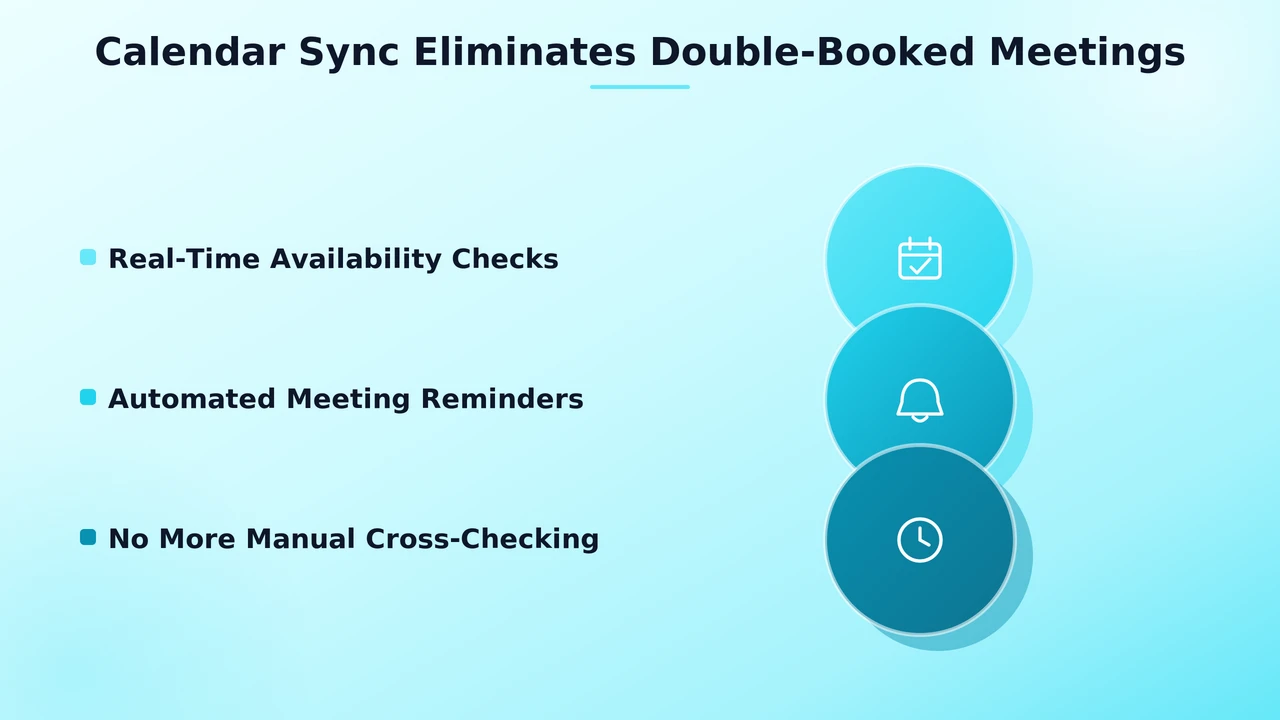
Good calendar sync does more than stop clashes. It also sends meeting reminders and books follow-ups on its own. That cuts out the back-and-forth emails it normally takes to lock in a time.
Calendar sync rarely gets the same notice as CRM or helpdesk links when firms weigh UCaaS integrations. But the daily time gains add up just as fast. This happens once a team stops checking two or three calendars by hand before it confirms a meeting.
Common Integration Mistakes That Waste the Time You're Trying to Save
The most common slip-up is this: a team assumes a link exists just because a vendor lists a CRM or helpdesk name on its site. Many "integrations" turn out to be one-way data exports. They are not true two-way sync. That means someone still has to match up data between systems by hand.
Another frequent misstep is this: skipping a real trial with your own CRM or helpdesk before you commit. Generic demos rarely show the gaps that show up once real customer data and daily workflows enter the picture.
Teams also over-connect at times. They link every tool they can, whether or not anyone uses the data that results. That habit can slow a system down. It can add more setup work than it saves. Start with the two or three links that solve a real daily problem.
It also pays to revisit your UCaaS integrations every six months or so. Teams often add new CRM fields, new helpdesk tags, or new calendar tools. But they rarely check back to see if the old sync setup still covers everything that matters.
Where Rozper Fits Into a Connected Communications Stack
Rozper builds its platform around this exact problem. It gives out local and virtual numbers in countries worldwide. It also keeps CRM, helpdesk, and calendar links native. They are not bolted on through some third-party layer. That style shows a true human-first way of working, not a self-serve add-on. Support staff can help set up real links. They don't just point customers to a generic help page.
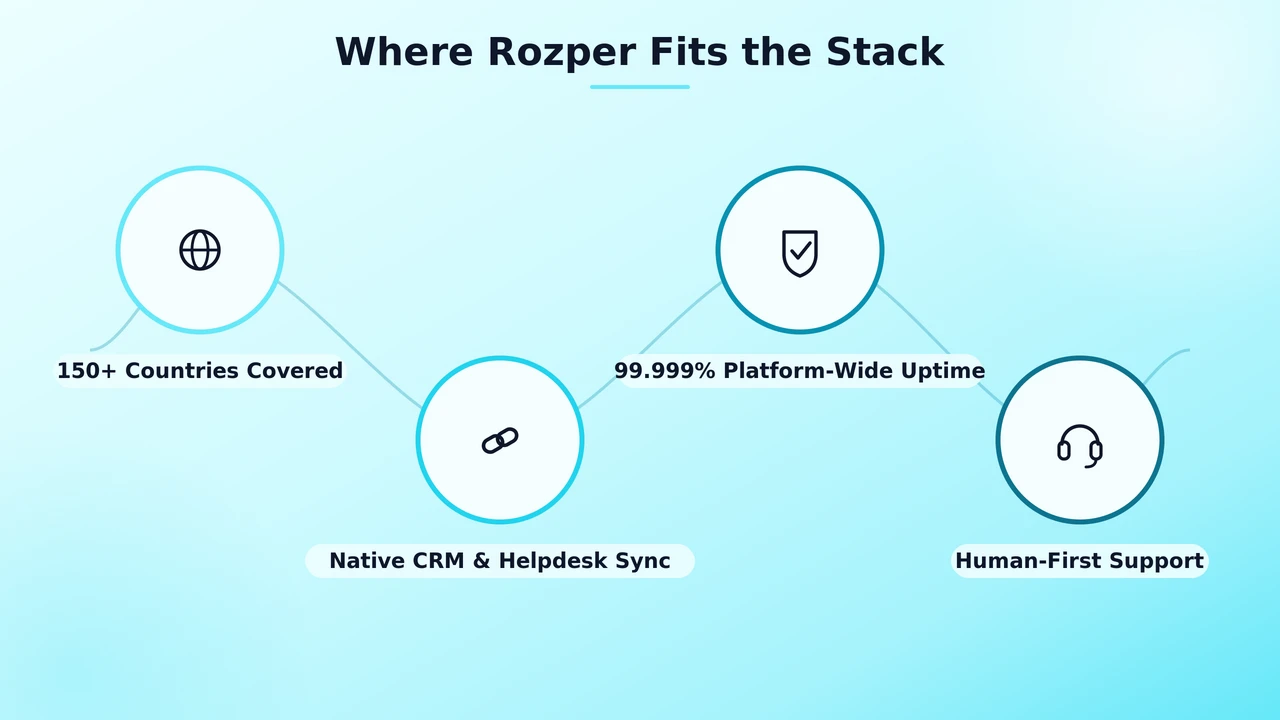
Reliable uptime covers the whole platform, not just the calls. So the UCaaS integrations that link a business's CRM, helpdesk, and calendar stay solid. That holds true even at peak call times, when weaker systems tend to break.
Evaluating Integration Depth Before You Buy
Before you sign any deal, ask a vendor for a live demo. Use your own CRM and helpdesk accounts. Skip the generic sandbox setup. Ask if data syncs both ways. Ask how often it updates. Ask what happens if a connected system goes down. Zapier's guide to how integrations work is a handy primer. It explains the gap between a shallow, one-way link and a true, two-way sync.
Ask, too, who handles setup. Some platforms just hand you an API key and a manual. Others assign a real person to set it up right, which matters for teams with no tech staff of their own.
Ask for references from real customers on the same CRM or helpdesk your team uses. A vendor's UCaaS integrations might work great with one platform and only halfway with another, even if both sit on the same compatibility list.
Conclusion
Time savings from UCaaS integrations come from depth. They don't come from a long list of app names on a pricing page. Three links give real time back to a team every day. CRM sync ends manual data entry. Helpdesk integration surfaces context on its own. Calendar sync stops double-booking. Test each one with your own tools before you commit. The platform that truly saves time will make itself known fast.
FAQs
What's the most valuable UCaaS integration for a sales team?
CRM integration tends to deliver the biggest time savings for sales teams, since it eliminates manual call logging and surfaces contact history automatically.
Do UCaaS integrations require technical setup?
Basic connections are often simple, but deeper two-way sync between a CRM, helpdesk, and calendar usually benefits from vendor support during initial configuration.
Can UCaaS integrations sync with any CRM or helpdesk platform?
Most major CRM and helpdesk platforms are supported, but the depth of that support varies significantly, so it's worth confirming two-way sync before assuming compatibility.
How do UCaaS integrations improve customer support response times?
By surfacing ticket history and customer context automatically when a call connects, agents spend less time searching and more time actually resolving issues.
What's a common warning sign that an integration isn't genuinely two-way?
If data only flows in one direction, like calls logging into a CRM but CRM data never appearing in the call interface, the integration is likely shallow.
Is it worth integrating every available tool with a UCaaS platform?
No. Starting with two or three integrations that solve a real daily problem usually works better than connecting every possible tool at once.
How often should a business review its UCaaS integrations?
Every six months or so is a reasonable cadence, since new CRM fields, helpdesk tags, or calendar tools can drift out of sync with the original setup over time.