A business phone system decides how every customer call is answered, routed and remembered, so the choice shows up in your results every day. Pick one that matches how your team really works and calls feel effortless. Pick the wrong one and you spend months building workarounds.
Most buying guides stop at feature lists, which tend to look alike. This guide covers what a modern system includes, how the main types compare, which features and numbers matter, and how to move without losing calls.
What a business phone system includes
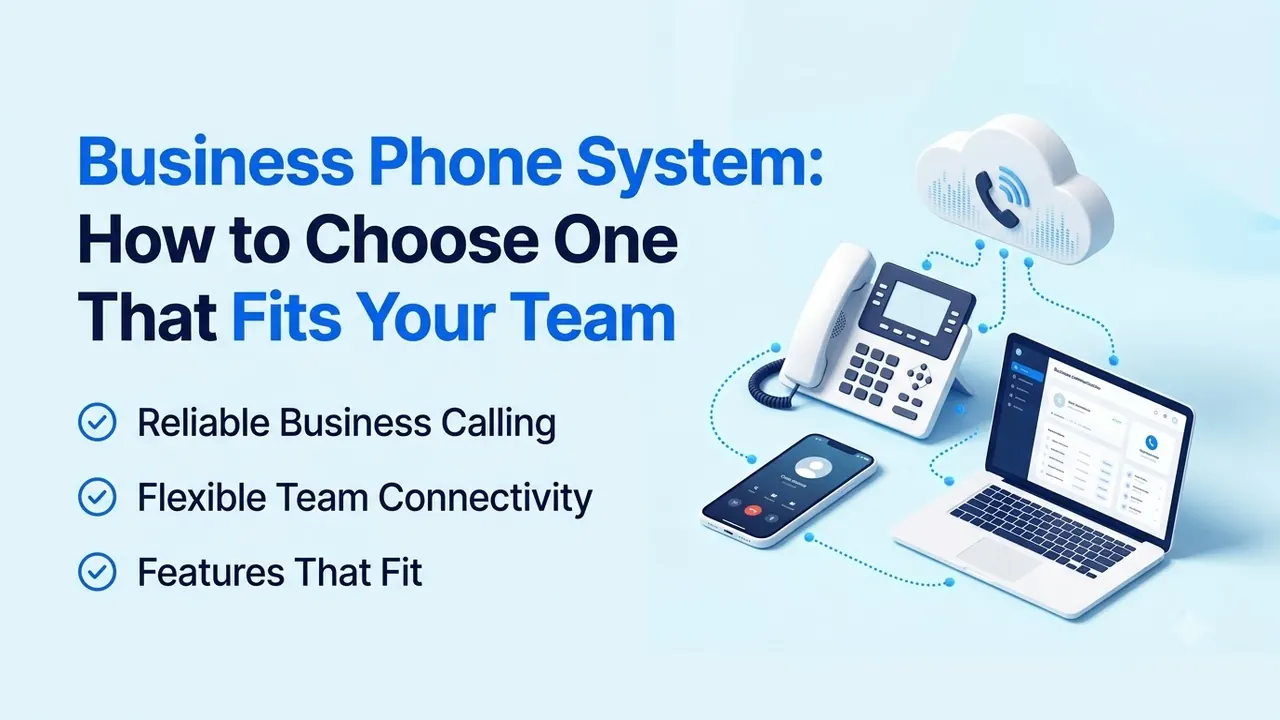
A business phone system is the setup that handles your company's calls: ringing the right person, routing callers, taking voicemail and keeping a record of what happened. It is more than a phone line, because it works at the team level instead of the individual level.
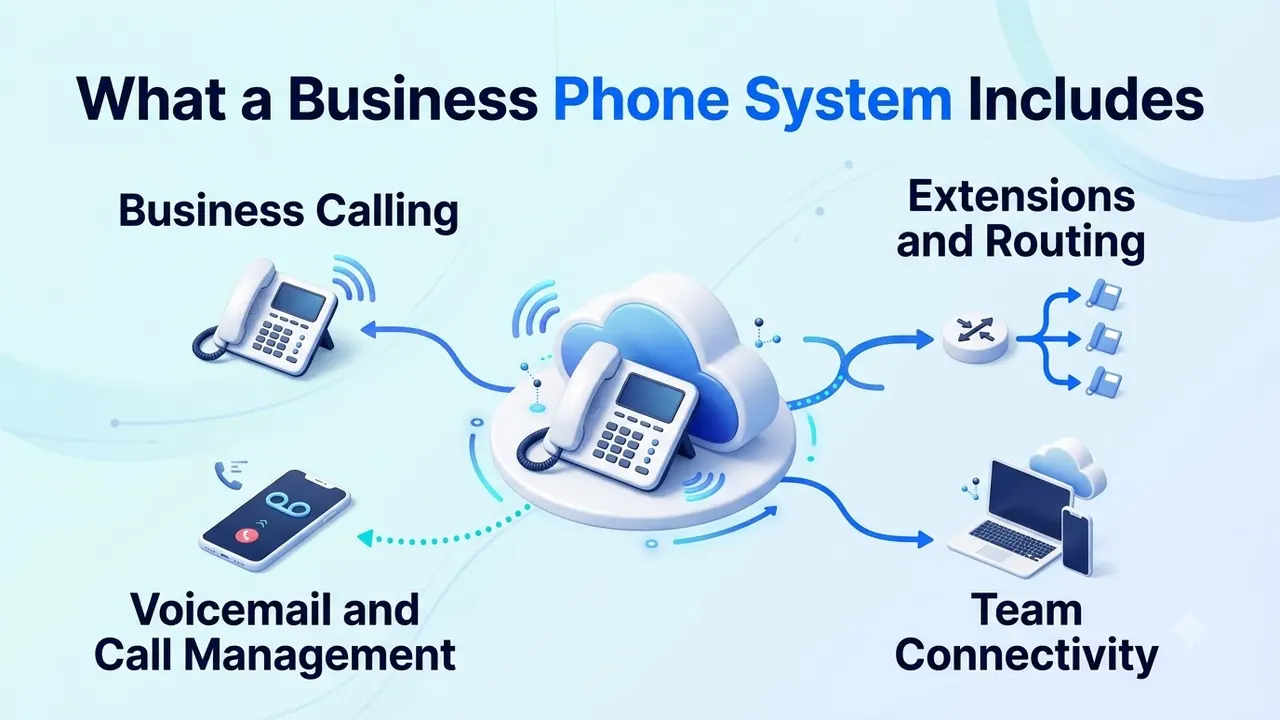
Most systems cover four areas:
- Business calling: answering, holding, transferring and forwarding calls.
- Extensions and routing: sending callers to the right person or group by time, skill or menu choice.
- Voicemail and call management: after-hours messages, shared mailboxes and a record of every call.
- Team connectivity: desk phones, computer apps and mobile apps that share one number, with admin controls to add users, change numbers and set permissions without calling a technician.
Business phone system types compared
Before comparing providers, decide which type you are buying. It narrows the field faster than any feature chart.
| Landline | On-premise PBX | Cloud business phone system | |
|---|---|---|---|
| How calls travel | Copper phone lines | Your own hardware | Internet, from the provider's network |
| Upfront cost | Low to medium | High (hardware, installation) | Low |
| Who maintains it | The carrier | Your IT team or a contractor | The provider |
| Remote work | Poor | Limited without add-ons | Built in |
| Adding a user | Order a line | Buy a phone, configure the PBX | Add a seat in a dashboard |
| Best for | One site with simple needs | Sites with strict on-premise rules | Most growing or distributed teams |
If you are weighing cloud against an on-site box in detail, the total cost of ownership is the number that decides it, not the sticker price. Hardware refreshes, maintenance contracts and the IT time spent keeping an on-site system running all belong in that calculation.
Team shape matters as much as budget. A single office with a fixed headcount can run almost any type. A team split between an office, home desks and the road needs a system where the same number rings on every device, and that is where a cloud business phone system pulls ahead. Growth is the other test: ask how long it takes to add ten users, and who has to be involved.
Features to look for in a business phone system
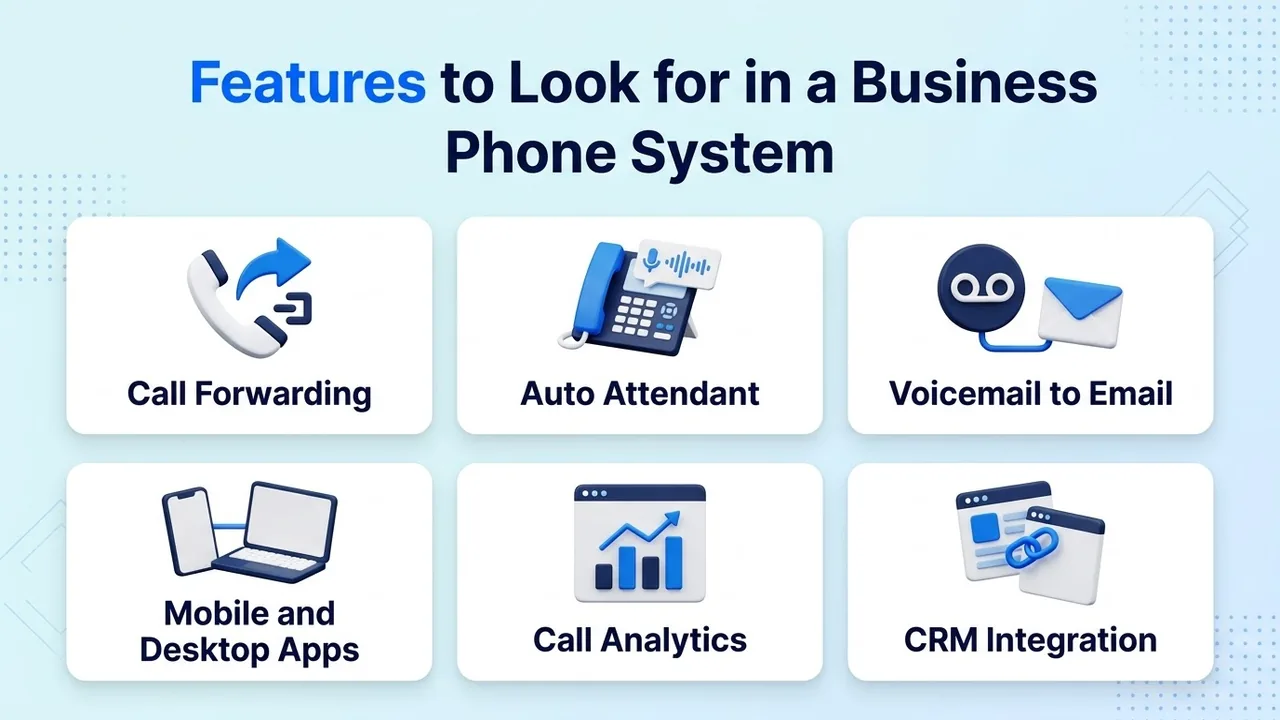
Feature lists are long, so focus on the few that change daily work. Six are worth testing in any demo.
- Call forwarding. Calls should follow your team to any device, team or IVR menu, and you should be able to change that routing yourself from a dashboard.
- Auto attendant. A menu that greets callers and sends them to the right place saves a receptionist. Rozper's business phone system includes time-based, skills-based and AI-powered routing.
- Voicemail to email. Messages should reach the people who can act on them, not sit unheard in a mailbox.
- Mobile and desktop apps. Softphone apps for Mac, Windows, iOS and Android mean staff can answer from wherever they are, with call history synced across devices.
- Call analytics. Reports on call volume, missed calls and wait times show where coverage slips before customers notice.
- CRM integration. Call summaries that sync to your CRM automatically save the rep from typing notes after every call.
Ask each provider to show these working with your own scenario, not a scripted demo. Bring a real example, such as a call that arrives after hours and needs to reach a specific person, and watch how many steps it takes to set up. A system that needs a technician for every routing change will slow your team down no matter how long its feature list is.
Choosing numbers: local or toll-free
The numbers you show customers change whether they pick up. A local number signals presence in a market. A toll-free number signals a national line anyone can reach at no cost. Our guide to toll-free vs. local area code numbers walks through when each builds more trust.
Check coverage before you commit. Rozper offers local numbers in many countries, and toll-free numbers are available in many countries too; ask sales for current coverage and pricing. Whichever provider you choose, ask for the country list, the setup time and what happens to numbers you already own.
Reliability and support
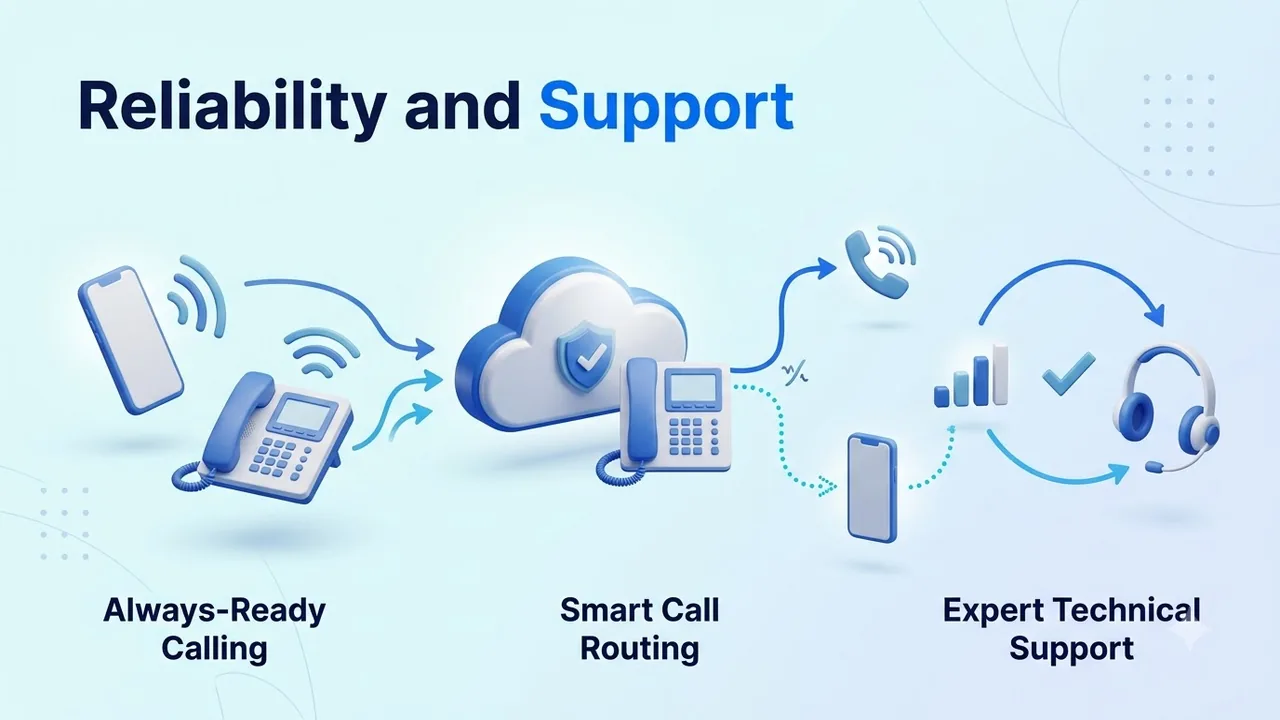
Every business phone system has a bad day eventually. The difference is how it is built to handle one, and who helps you through it.
Ask these questions of any provider:
- Is the uptime figure in writing? Ask for the figure for the exact plan you are buying, since it can differ by plan. Treat any "high availability" claim without a number as unproven.
- How does failover work? Look for redundant infrastructure with automatic failover across regions, not a manual switchover.
- Who do you reach when something breaks? Ask for support hours, channels and response times in the contract.
- What does onboarding include? A dedicated team handling setup is worth more than a help article.
Try support yourself during a trial: send a real question and note how long the answer takes and who gives it.
Moving to a new system without dropping calls
Cutover is where good systems earn a bad reputation. Plan it as a short project.
- List everything: numbers, extensions, hunt groups, voicemail boxes and fax lines.
- Start number porting first. It depends on your current carrier, so it sets the schedule. Rozper describes porting as uninterrupted, with its onboarding team handling setup.
- Check your devices. Most business phones and softphones speak SIP, the signaling standard defined in IETF RFC 3261, so confirm that any hardware you plan to keep is compatible.
- Test your network. Voice needs steady bandwidth, so check the office and a few remote connections.
- Pilot with one team before rolling out to everyone.
- Review after 30 days: missed calls, call quality and support requests.
A one-page scorecard for comparing providers
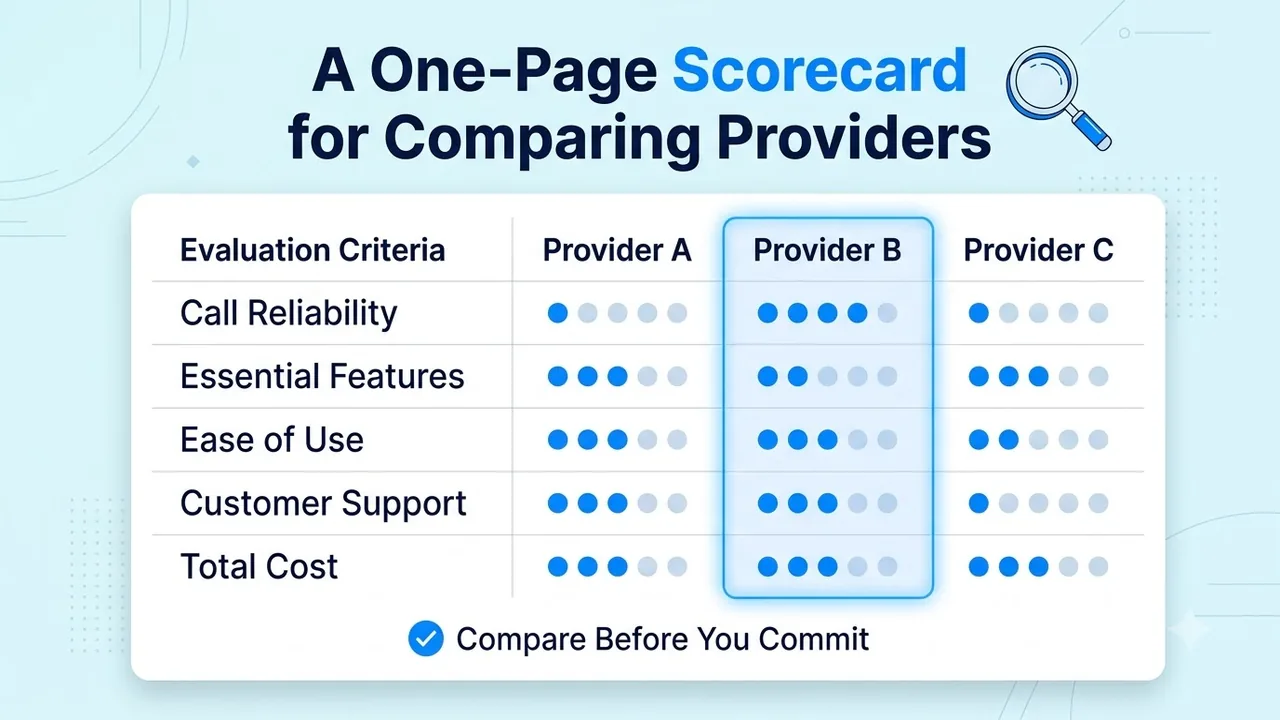
Score each provider from 1 to 5 on every row, as in the graphic below, then add the totals. Weight the rows that matter most to your team.
| Area | What a "5" looks like |
|---|---|
| Call reliability | Uptime figure in the contract, automatic failover, clear remedies if missed |
| Essential features | Routing, apps, admin controls and CRM sync shown working in your scenario, with local and toll-free numbers in every market you serve |
| Ease of use | A simple admin dashboard, an onboarding team assigned and number porting handled |
| Customer support | Named hours, real engineers, written response times |
| Total cost | A clear quote, month-to-month terms, no surprise add-ons |
A provider that scores well on reliability, support and ease of use but trails slightly on features is usually the safer pick. Features are the easiest part to add later.
Conclusion
Choosing a business phone system comes down to a few honest answers: where your team works, which numbers customers should see, how the system behaves when something fails, and who helps you when it does. Work through those and the shortlist usually writes itself.
Test every claim with your own scenario before you sign. A business phone system should make calls simpler for your team and your customers, not add another tool to manage.
FAQs
What is a business phone system?
A business phone system is the setup that manages a company's calls, including routing, voicemail, forwarding and call history. It can run on landlines, on-site hardware or the internet through a cloud service.
How is a cloud business phone system different from a landline?
A landline sends calls over copper lines tied to one location. A cloud system carries calls over the internet, so staff can use the same business number on a computer, phone or desk phone from anywhere.
Can I keep my existing phone numbers?
Usually yes, through number porting. The timeline depends on your current carrier, so start the request early and ask your new provider how it handles the switch.
Do I need to buy new phones?
Not necessarily. Rozper's softphone apps run on Mac, Windows, iOS and Android, and the product page states no hardware is needed. If you want to keep desk phones, confirm compatibility first.
How much does a business phone system cost?
It depends on users, numbers and features. Compare the monthly price, contract length and any add-ons together, and check whether plans are month-to-month. Rozper's pricing page states no long-term contracts.